Can I use my phone as a tape measure?
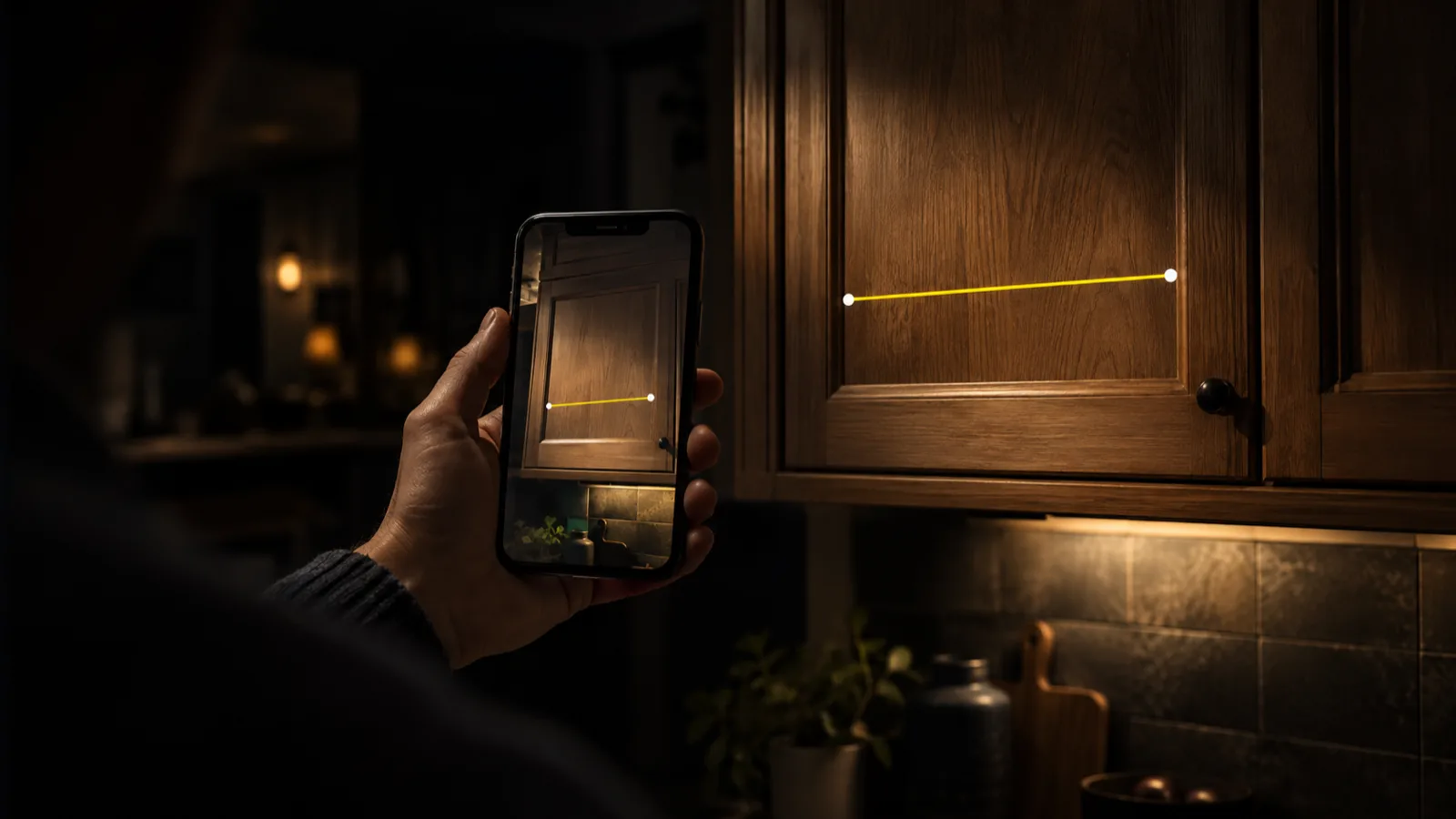
Yes, for rough sizes. With an AR app like Apple's Measure, a phone's camera measures length, height and area. Use a real tape for anything you cut or order.
October 21, 2026
Yes, for rough sizes: an augmented reality (AR) measuring app, such as the Measure app that comes with the iPhone, uses the camera to measure lengths, heights and areas closely enough to plan a room or check whether a sofa will fit. How close it gets depends on whether the phone has a LiDAR scanner, how far away you stand, the light and the surface, so measure anything you will cut, drill or order to size with a real tape.
There are three ways to use a phone as a tape measure:
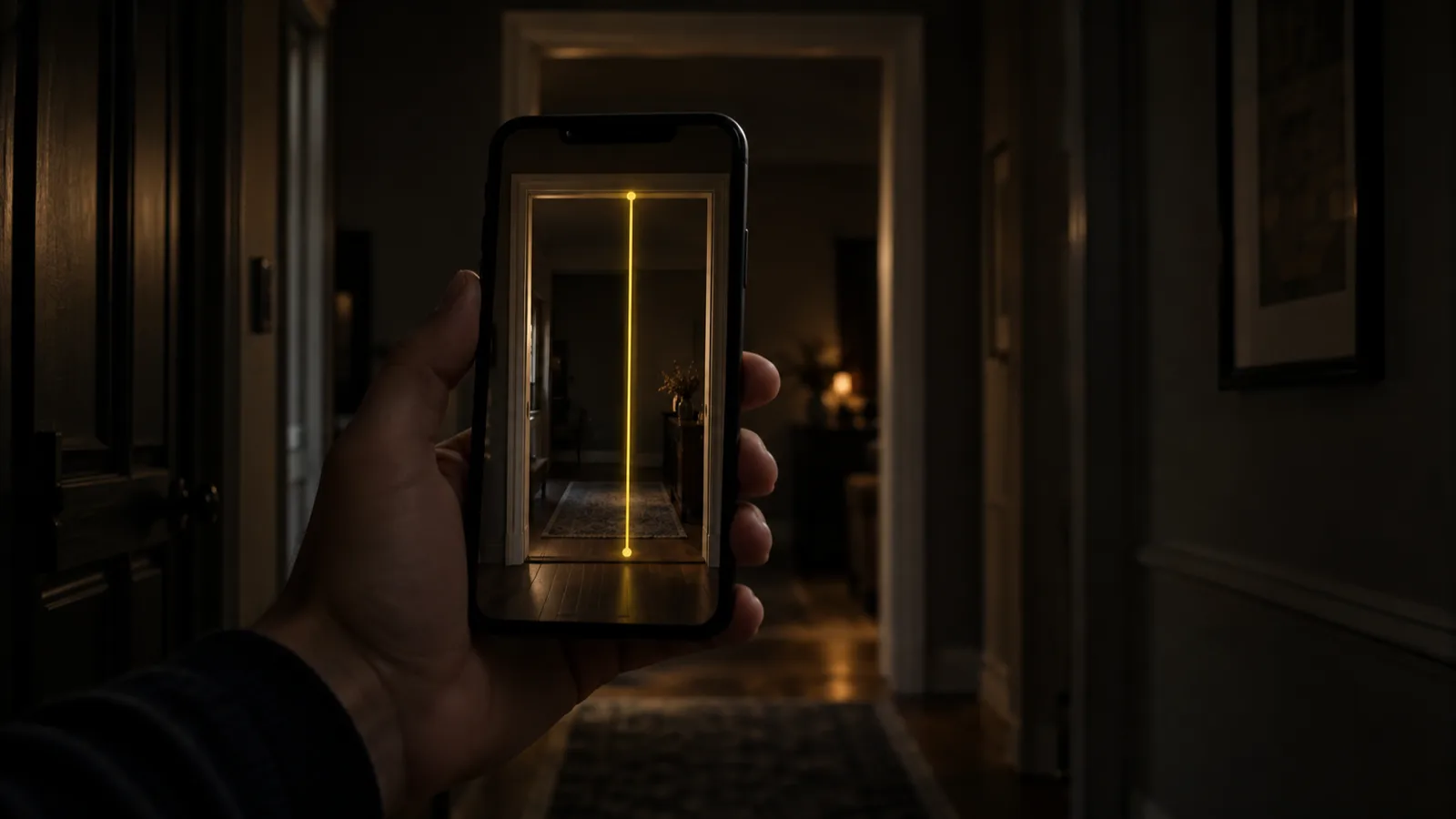
- A camera (AR) measuring app for doorways, walls, furniture and a person’s height. You tap one end, then the other, from a step or two away. Apple’s Measure comes with the iPhone; on Android you install one.
- An on-screen ruler for things small enough to lay on the glass, such as a screw or a ring. It shows real inches or centimeters only after you calibrate it.
- A laser distance meter paired with the phone when you need tape-level accuracy or a long distance. The laser measures and the phone keeps the numbers.
Is there a tape measure on my phone?
On an iPhone, yes. Apple’s Measure app is in the Utilities folder. It measures between two points you tap, outlines rectangles such as a picture frame automatically and has a level. On iPhones with a LiDAR Scanner it adds edge guides, a Ruler view, a list of your measurements and automatic measurement of a person’s height. Apple lists the LiDAR models as the Pro and Pro Max iPhones from iPhone 12 Pro to iPhone 18 Pro. The steps are in how to use the iPhone Measure app.
On Android, not as standard. Google retired its Measure app in 2021, and Samsung is shutting down Quick Measure on December 31, 2026. Most Android phones need an AR measuring app from Google Play, and most of those apps need a phone on Google’s list of ARCore supported devices.
How accurate is measuring with a phone?
Apple doesn’t publish an accuracy figure. Its user guide calls Measure’s results approximate and says it works best on well-defined objects 0.5 to 3 m (2 to 10 ft) from the phone. Independent tests show the range to expect:
| Test | Phone and app | What was measured | Result |
|---|---|---|---|
| Borz et al., Forests, 2022 | iPhone 12 Pro Max and 13 Pro Max (LiDAR), Apple’s Measure | Length of 467 logs, each about 3 m (10 ft) | 94% and 99% of readings within 5 cm (2 in) in two rounds; average error 1.8 and 1.5 cm (about 0.7 and 0.6 in) |
| SlashGear, 2025 | iPhone 14 Pro (LiDAR), Apple’s Measure | A tape pulled out to 6 ft (1.83 m) on the floor; a bank card and a TV as automatic rectangles | Almost exact with the start point placed right at the end of the tape, otherwise up to 3 to 5% off; rectangles about 3% off |
| Lifehacker, 2018 | iPhone 8 Plus (no LiDAR) with Apple’s Measure, Pixel 2 with Google’s Measure | A glass, a banana, a mirror, a large photo and a shoe rack | Small items exact or within 1/2 in; larger objects up to 3 in (7.5 cm) off |
| Hamilton-Fletcher et al., IEEE, 2024 | iPhone 13 Pro, LiDAR and ARKit | Distance from the phone to a door 1 to 3 m (3 to 10 ft) away | Average error 0.5 to 1.4 cm (under 0.6 in) with the door in the middle of the picture, much larger toward the edges |
We haven’t run a controlled accuracy test of our own app, so these are other people’s results, mostly for Apple’s Measure. Our app also measures with Apple’s ARKit, and we expect it to land in the same range, not better. Taken together, the tests point to an average error of a centimeter or two (under an inch) over a few meters with a LiDAR iPhone and careful taps, and up to a few percent in quick tests and on older phones without LiDAR.
What makes a phone measurement more or less accurate
- LiDAR. A LiDAR Scanner measures depth directly with light; Apple rated the first one, on the 2020 iPad Pro, at up to 5 m (16 ft) and said AR apps get instant placement with it. Without LiDAR, the phone works out depth from the camera picture and its motion sensors as you move, so scan slowly first. SlashGear’s tester saw more errors on an iPhone 8 than on the 14 Pro.
- Distance. Errors grow the farther away you stand and the longer the line. Stay within Apple’s 0.5 to 3 m (2 to 10 ft) where you can.
- Where you aim. Apple’s Measure and our app place each point at the dot in the middle of the screen. In the 2024 study, depth readings in the middle of the picture were far more accurate than those toward the edges.
- Angle. Measure straight on. Lifehacker’s tester got a height of over 4 ft for a shoe rack while pointing down at it, and a much closer figure from straight in front.
- Light and surface. Good light, texture and clear edges help. Plain white walls, glass, mirrors, glossy surfaces and dark rooms give the camera little to lock on to.
Can my phone measure height and distance?
Height: yes. Any AR measuring app can measure a wall, a door or a cabinet from its base to its top. Apple’s Measure also finds a person’s height automatically, on LiDAR iPhones only. The Height tool in our app works on any iPhone with iOS 17: you tap the base, and the line stays vertical up to the point you tap at the top. For a person’s exact height, hold a book level on their head against a wall, mark the wall and measure the mark with a tape.
Distance: yes, between two points you can see a few meters apart. LiDAR iPhones can also sense how far away a surface is: in the 2024 study, an iPhone 13 Pro read the distance to a door 1 to 3 m away to within 1.5 cm on average. For longer runs, use a laser distance meter: Bosch, for example, rates its GLM 50-27 C at ±1.5 mm from 5 cm to 50 m (2 in to 164 ft), and it sends readings to a phone app over Bluetooth. Outdoors, Google Maps on iPhone and Android can measure between points you drop on the map, which gives a rough figure for a fence line or a walk.
Can I use my iPhone as a ruler?
For small things, yes. The iPhone has no ruler drawn to scale on its screen, but a calibrated on-screen ruler turns the display into one, for things too small for an AR app, such as a screw, a bead or a ring. A web page can’t know how big your screen’s pixels are, so it has to be calibrated: our free online ruler asks you to match a bank card (85.60 × 53.98 mm), then shows inches with 1/16 marks or centimeters with millimeter marks. Measure’s Ruler view on LiDAR iPhones is a different thing, unit marks along a line measured with the camera.
How to check your phone’s accuracy
Before you trust a phone on a job, test it against a tape. It takes five minutes:
- Pull a tape measure out to a round length on the floor, such as 6 ft or 2 m, and lock it.
- From where you would normally stand, measure the tape with the phone three times, setting both points again each time.
- Note how far each reading is from the tape. The average difference is your phone’s error, and the spread between the highest and lowest reading shows how repeatable it is.
- Repeat on a longer length, such as a wall you have measured with the tape, and once in dimmer light.
- Compare the worst result with what the job allows. A rug can be an inch out; an inside-mount blind can’t.
When to use a real tape measure
- Anything cut, drilled or ordered to size: blinds, curtains, trim, flooring, worktops. See how to measure a window and how to measure for curtains.
- Tight fits: an appliance gap, a sofa going through a doorway. Measure the space and the object with the same tape.
- Round or soft things: a waist, a pipe, a cushion. A soft tape follows the curve, as in how to measure your waist.
- Long runs: beyond a few meters, a long tape or a laser distance meter is more reliable.
How to read a tape measure explains the fractions on the blade, and how to measure without a tape measure lists everyday objects with exact sizes.
Our pick
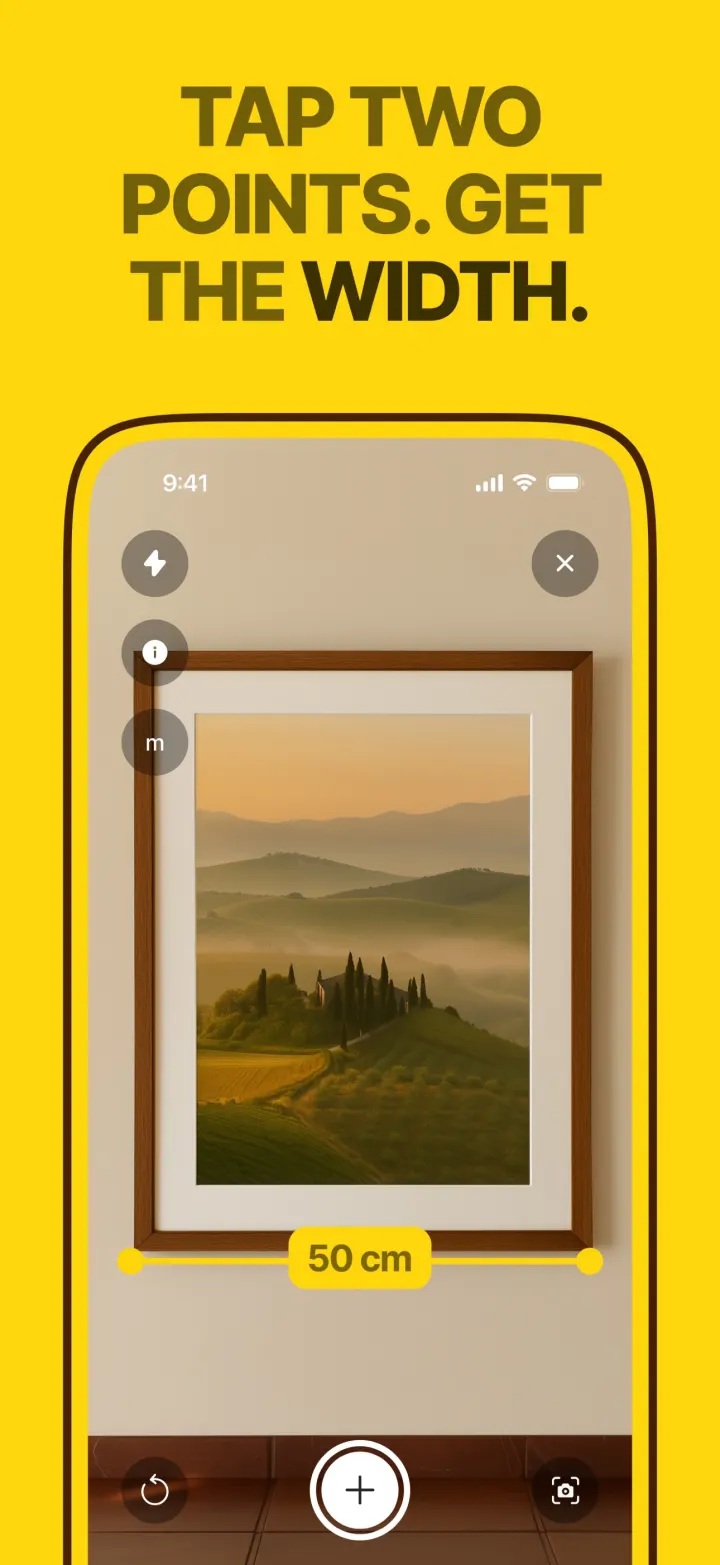
Our pick for measuring with the camera: Measuring Tape & AR Ruler for iPhone, which we make. It has camera tools for width, height and area plus a bubble level, in meters, inches or feet, and runs on any iPhone with iOS 17, with or without LiDAR, so Height is not limited to Pro models. Area takes as many corners as the room has, labels every side and adds up the total. The level is free with no limit and Width gives you 3 free measurements a day; Premium adds unlimited Width plus Height and Area, weekly with a free trial or yearly. Its readings are AR estimates like the ones in the table, so check anything you will cut with a tape.
Download Measuring Tape & AR Ruler on the App Store
In one line
Measure with your phone to plan and with a real tape to cut, drill or order; Measuring Tape is our app for the planning part.
Sources
- Measure dimensions with iPhone, Apple Support: Measure is in the Utilities folder, its measurements are approximate, and it works best on well-defined objects 0.5 to 3 m (2 to 10 ft) away; edge guides and Ruler view need a supported model.
- Models with a LiDAR Scanner, Apple Support: iPhone 12 Pro and 12 Pro Max through iPhone 18 Pro and 18 Pro Max.
- Apple unveils new iPad Pro with LiDAR Scanner, Apple Newsroom (2020): the LiDAR Scanner measures distance up to 5 m, ARKit apps get instant AR placement, and it improves height measurement, edge guides and Ruler View in Measure.
- Potential of Measure App in Estimating Log Biometrics, Forests (2022): Borz, Morocho Toaza, Forkuo and Marcu compared Measure on an iPhone 12 Pro Max and a 13 Pro Max with conventional measurements of 267 and 200 spruce logs.
- How Accurate Is The iPhone’s Measuring App? We Put It To The Test, SlashGear (2025): an iPhone 14 Pro against a 6 ft tape, rectangles about 3% off, and more errors on an iPhone 8.
- iOS AR Measuring App vs. Android: Which Is More Accurate?, Lifehacker (2018): an iPhone 8 Plus and a Pixel 2 on household objects, including the shoe rack measured at an angle.
- Accuracy and Usability of Smartphone-Based Distance Estimation Approaches, IEEE Open Journal of Engineering in Medicine and Biology (2024): distance errors of an iPhone 13 Pro’s LiDAR and ARKit at 1, 2 and 3 m, in the middle and at the edges of the picture.
- Google Measure ARCore app quietly shut down, 9to5Google (2021) and Samsung shutting down ‘Quick Measure’ and ‘AR Doodle’ apps, 9to5Google (2026): Quick Measure ends on December 31, 2026.
- GLM 50-27 C, Bosch Professional: typical accuracy ±1.5 mm, range 0.05 to 50 m, Bluetooth and the MeasureOn app.
- Measure distance between points, Google Maps Help: drop a pin, choose Measure distance and add points, on iPhone and Android.