What the Area tool gives you
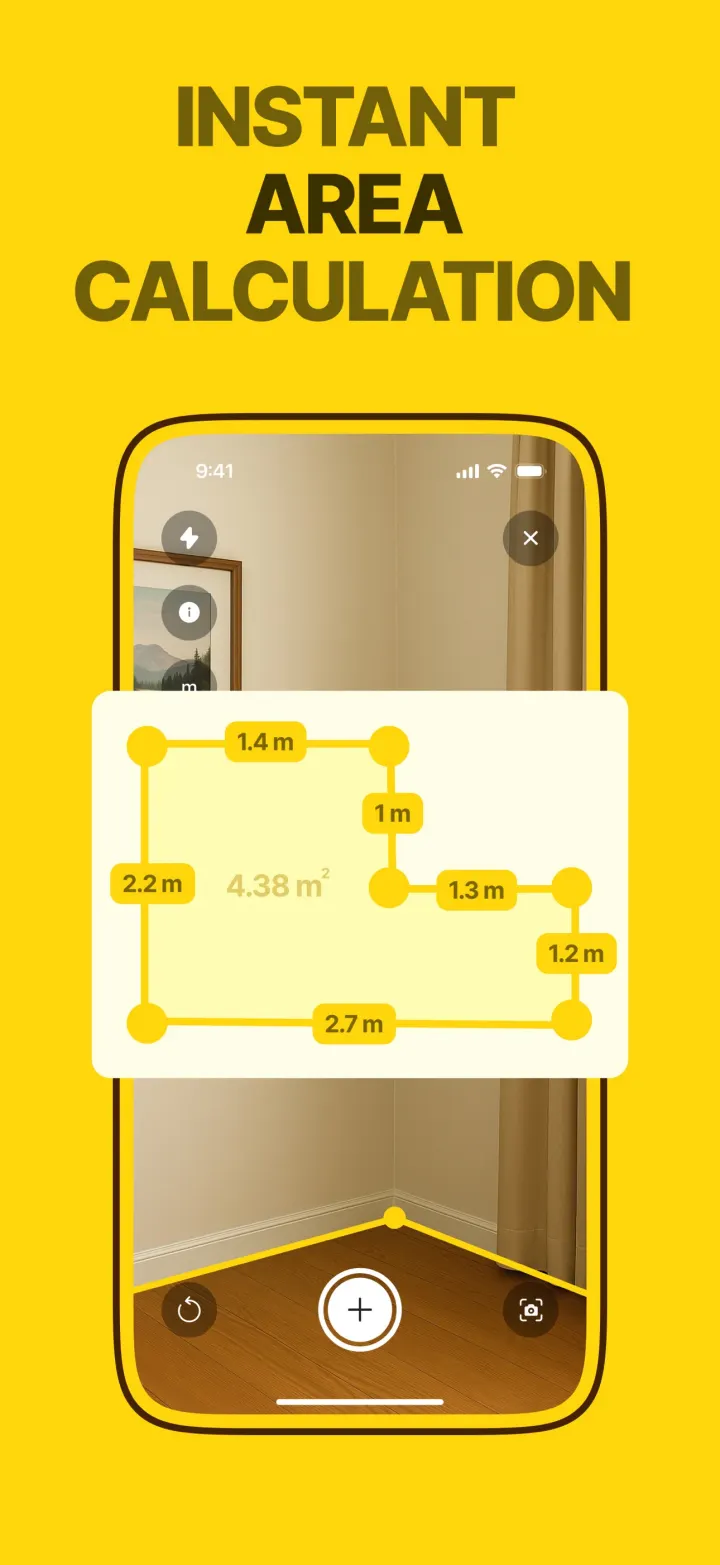
You walk the corners of a floor, a wall or a worktop, tapping each one. When you tap the first point again, the shape closes. The app labels every side with its length and fills the shape with its total area.
The result screen shows the drawing on its own, with the numbers, so you can copy it, share it or save it as an image for a flooring shop or a painter.
How it works in the app
- 1
Open Area and scan the floor until the app says AR Calibrated.
- 2
Tap each corner in order. A yellow edge appears between points with its length.
- 3
Tap the first point again to close the shape and see the total area.
Any shape
L-shapes, alcoves and angled walls. Use as many corners as the room has.
Area report
A clean drawing with every side and the total, ready to share, copy or screenshot.
m² or ft²
Switch units at any time and the report follows.
 Premium tool · free trial on the weekly plan